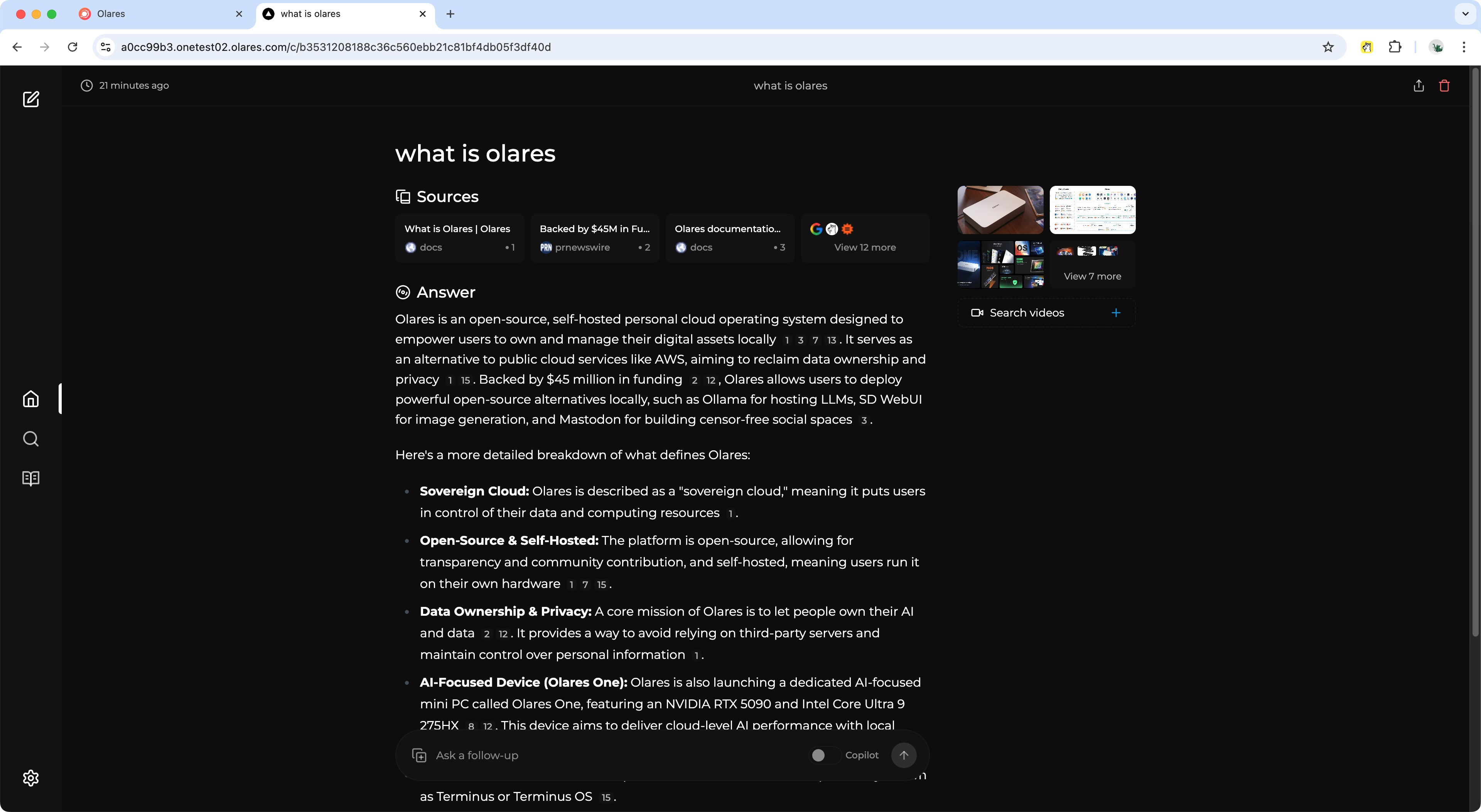
Set up a privacy-focused AI search engine with Vane
Vane is an open-source AI-powered search engine that delivers intelligent, privacy-focused search. It was previously known as Perplexica. As an alternative to Perplexity AI, Vane combines advanced machine learning with comprehensive web search to provide accurate, source-cited answers.
This guide will use Ollama as the model provider and SearXNG as the search provider.
Prerequisites
Before you begin, make sure:
- Ollama installed and running in your Olares environment.
- At least one model installed using Ollama.
Install SearXNG
SearXNG serves as the privacy-focused meta-search engine backend for Vane. It:
- Aggregates results from multiple search engines
- Removes tracking and preserves your privacy
- Provides clean, unbiased search results for the AI model to process
This integration enables Vane to function as a complete search solution while maintaining the security of your sensitive information.
In Market, search for "SearXNG".
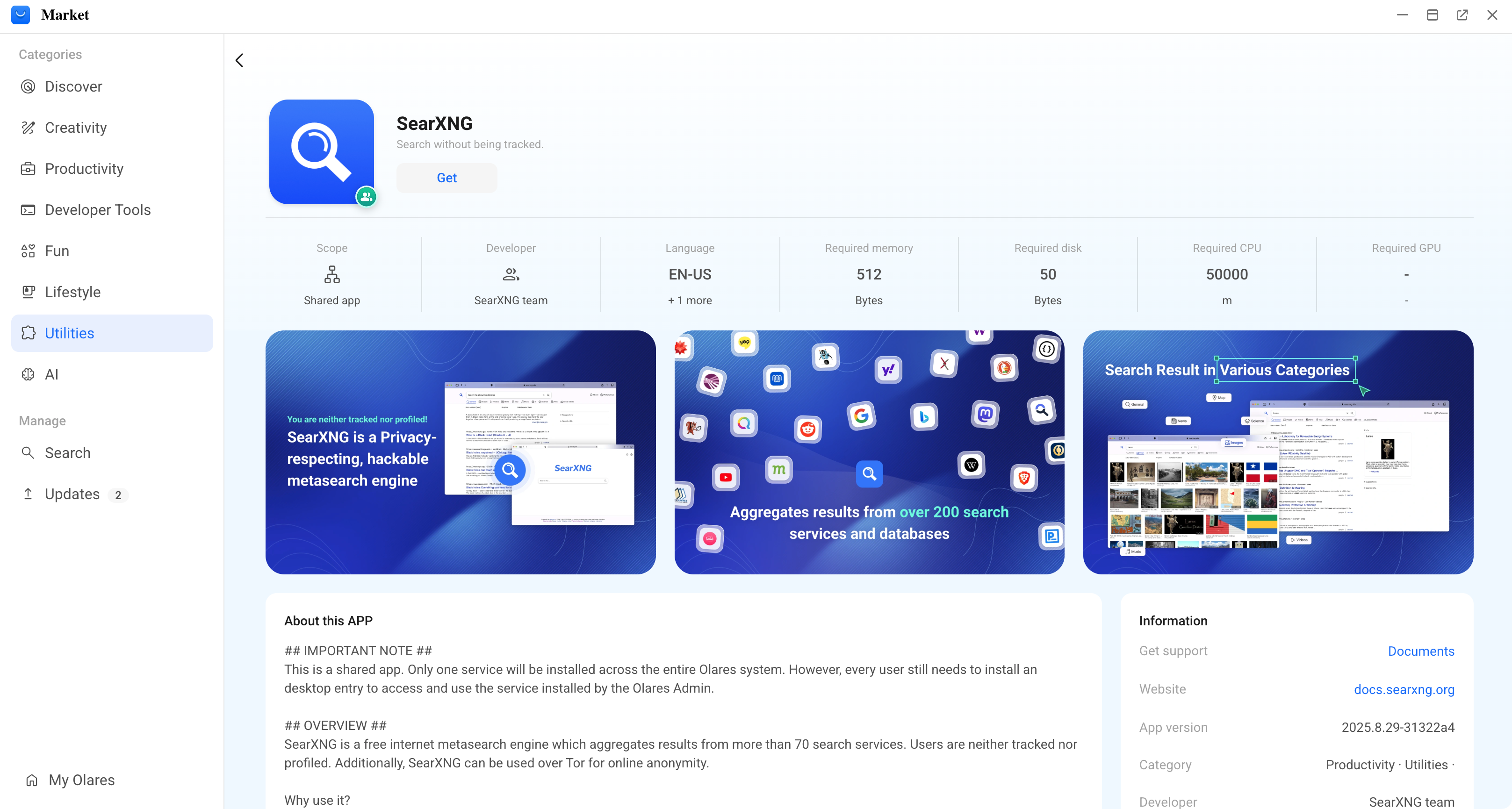
Click Get, then Install, and wait for installation to complete.
Install Vane
With the search backend now running, you can install the main Vane app.
Open Market, and search for "Vane".
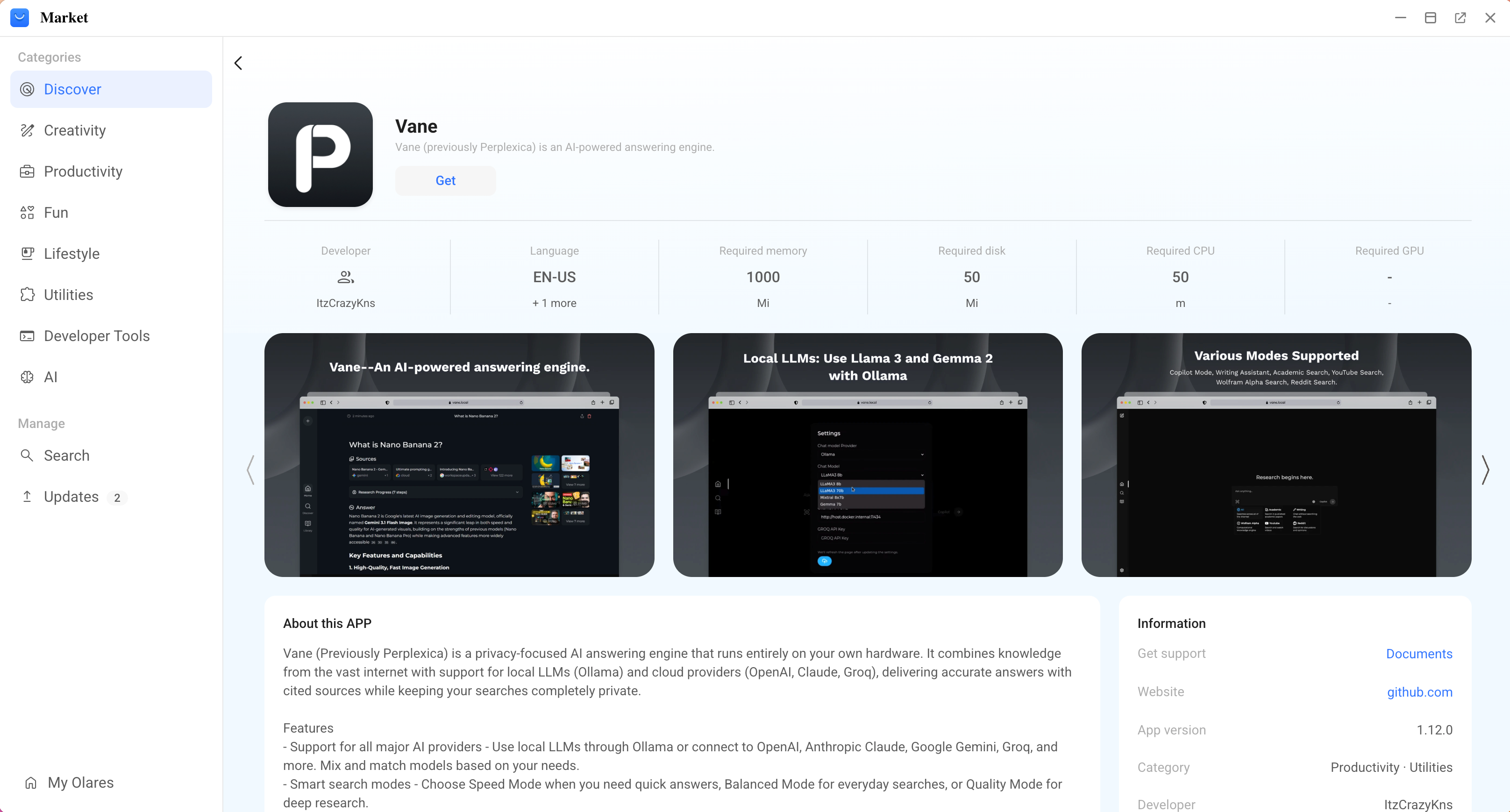
Click Get, then Install, and wait for installation to complete.
Configure Vane
Launch Vane, and click settings in the bottom left corner to open the Settings page.
Under Model Settings, set Ollama as the Chat Model Provider and the Embedding Model Provider.
Select your preferred model for the Chat Model and Embedding Model.
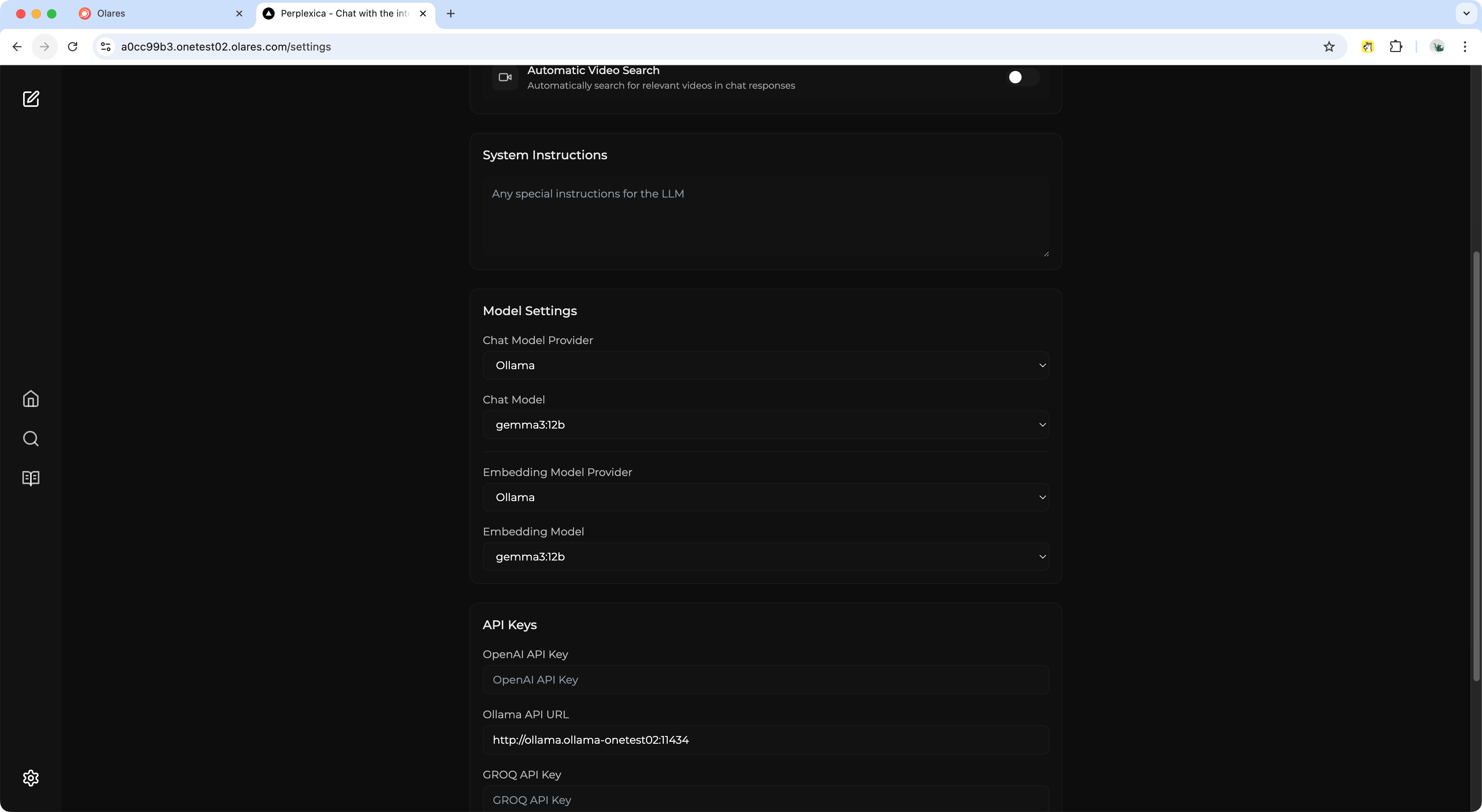
Adjust any other settings as needed.
The changes will be automatically applied.
Start asking questions
Once the setup is complete, go back to the main page. Try searching for a topic you're interested in to test your new, private search environment.